Remove an Image Background
Cut the background out of a PNG, JPG or SVG and download a clean transparent PNG. Free, and no sign-up to get the file.
- Free to use
- No sign-up
- Transparent PNG out
- 01Upload
- 02Cut out
- 03Download
Drop a PNG, JPG, JPEG or SVG here, or click Upload to choose a file. You get a transparent PNG back, ready to place on any background.
How to remove a background
Upload, let the subject get separated from its background, download the cut-out.
- 01
Upload your image
Drag a file onto the stage above or click Upload. PNG, JPG, JPEG and SVG are accepted — an SVG is rasterised first so it can be cut out.
- 02
The subject gets separated
The foreground subject is detected and everything behind it is made transparent, including the soft edges around hair and thin detail.
- 03
Download a transparent PNG
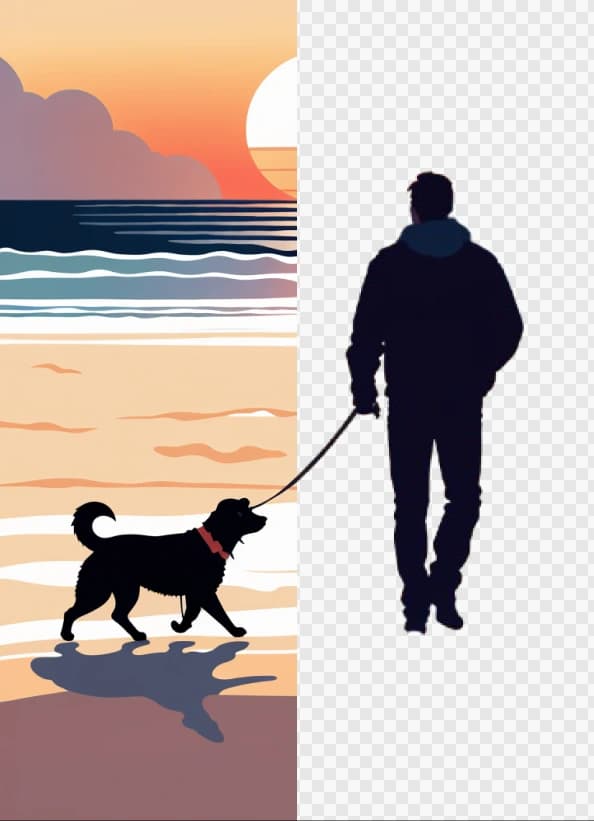
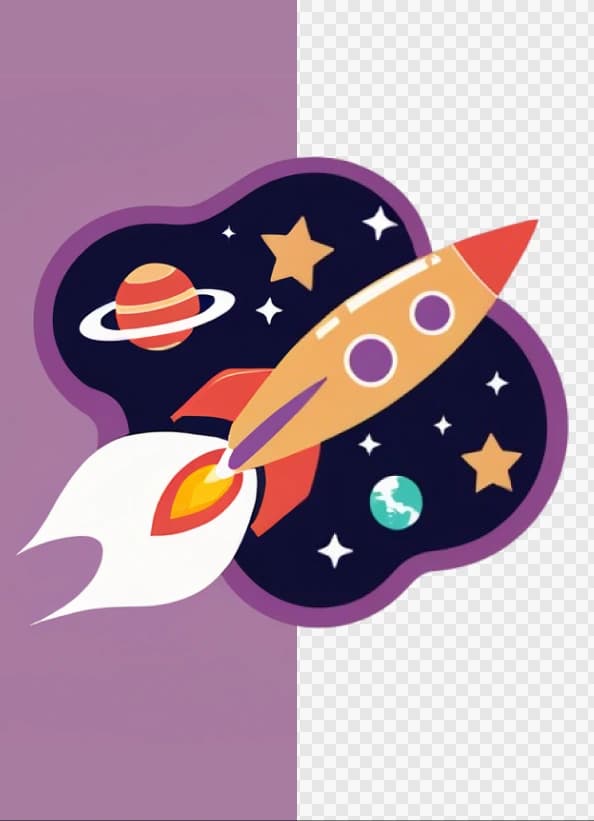
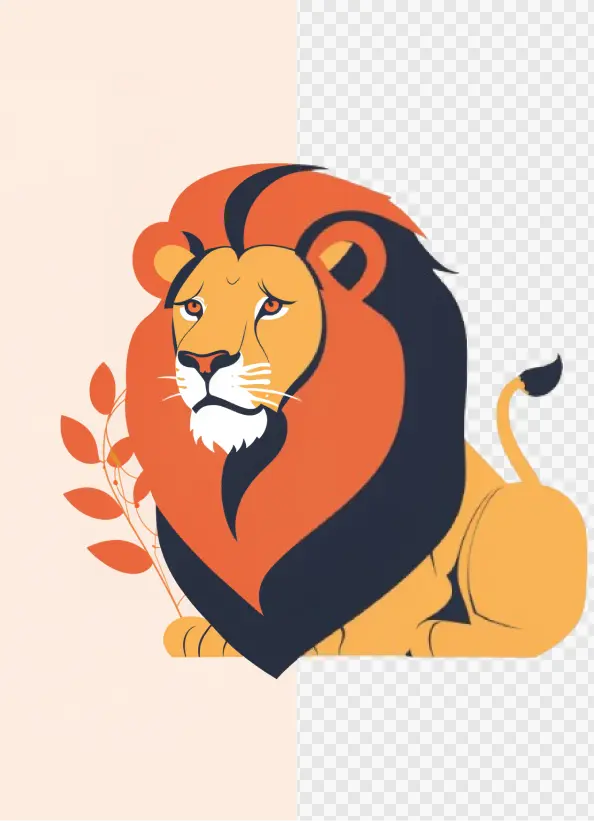
Toggle the compare control to check the cut-out against your original, then download a PNG with a real alpha channel.
Drops onto any background without a white box
A real transparent PNG sits directly on your page, slide or mockup — no pale rectangle behind the subject, no manual masking to tidy up afterwards.
More free tools
Everything here is free to use and needs no account.
- Convert to SVGTrace a PNG, JPG, WebP, HEIC or RAW photo into clean, scalable vector paths.
- SVG EditorRecolour paths, erase parts and reshape artwork in-browser.
- Palette GeneratorBuild a colour scheme and browse trending combinations.
- Contrast CheckerTest any pair of colours against WCAG AA and AAA.
- Palette VisualizerSee a palette applied to real design mockups.
- Image ConverterBatch convert PNG, JPG, WebP, HEIC and camera raw files.
Questions about removing backgrounds
What comes out, what goes in, and what it costs.
What file do I get back?
- A PNG with a transparent background. PNG is used rather than JPG because JPG has no alpha channel and would fill the transparency back in with white.
Can I upload an SVG?
- Yes. An SVG is drawn to a high-resolution bitmap first, then the background is removed, so what you download is a transparent PNG rather than an SVG.
Do I need an account or credits?
- No. This tool is free to use and does not ask you to sign in before you download the result.
Want graphics that never needed a background removed?
Generate illustrations on transparent backgrounds from the start.