
Convert PNG & JPG to SVG
Convert a PNG, JPG, WebP, HEIC or almost any other image into a clean, scalable SVG. Your image is sent to a vectorizing service for the trace; no sign-up, no watermark, no email wall.
- Free to use
- No sign-up
- Vector paths, not embedded pixels
- 01Upload
- 02Trace
- 03Download
Drop a PNG, JPG, WebP, GIF, BMP, AVIF, HEIC or camera RAW file here, or click Upload to choose one. Files up to 40 MB are read on your machine and shrunk to fit before the trace. The image is uploaded for tracing, which can take a little while for detailed artwork.
How to convert an image to SVG
Three steps, no account, no install. The image is uploaded, traced, and the SVG comes back to this page.
- 01
Upload an image
Drag your file onto the stage above or click Upload to pick one. PNG, JPG, WebP, GIF, BMP, AVIF, HEIC and HEIF are accepted, plus Nikon NEF, Canon CR2 and Sony ARW camera files, and TIFF in Safari. Anything up to 40 MB is read in your browser first: a GIF or HEIC uses its first frame, a camera RAW its embedded full-size preview, and a picture over 4096 px a side, 16 megapixels or 4 MB is scaled down and re-encoded before it is sent. An image whose shorter side is 256 px or less is too small to trace and is refused with a message rather than converted badly.
- 02
Let it trace to vector
Your image is sent to a vectorizing service that redraws edges and colour regions as vector paths. The result is cleaned of anything that is not drawing data and optimised so the SVG stays small and tidy. Detailed images can take up to a minute.
- 03
Compare and download
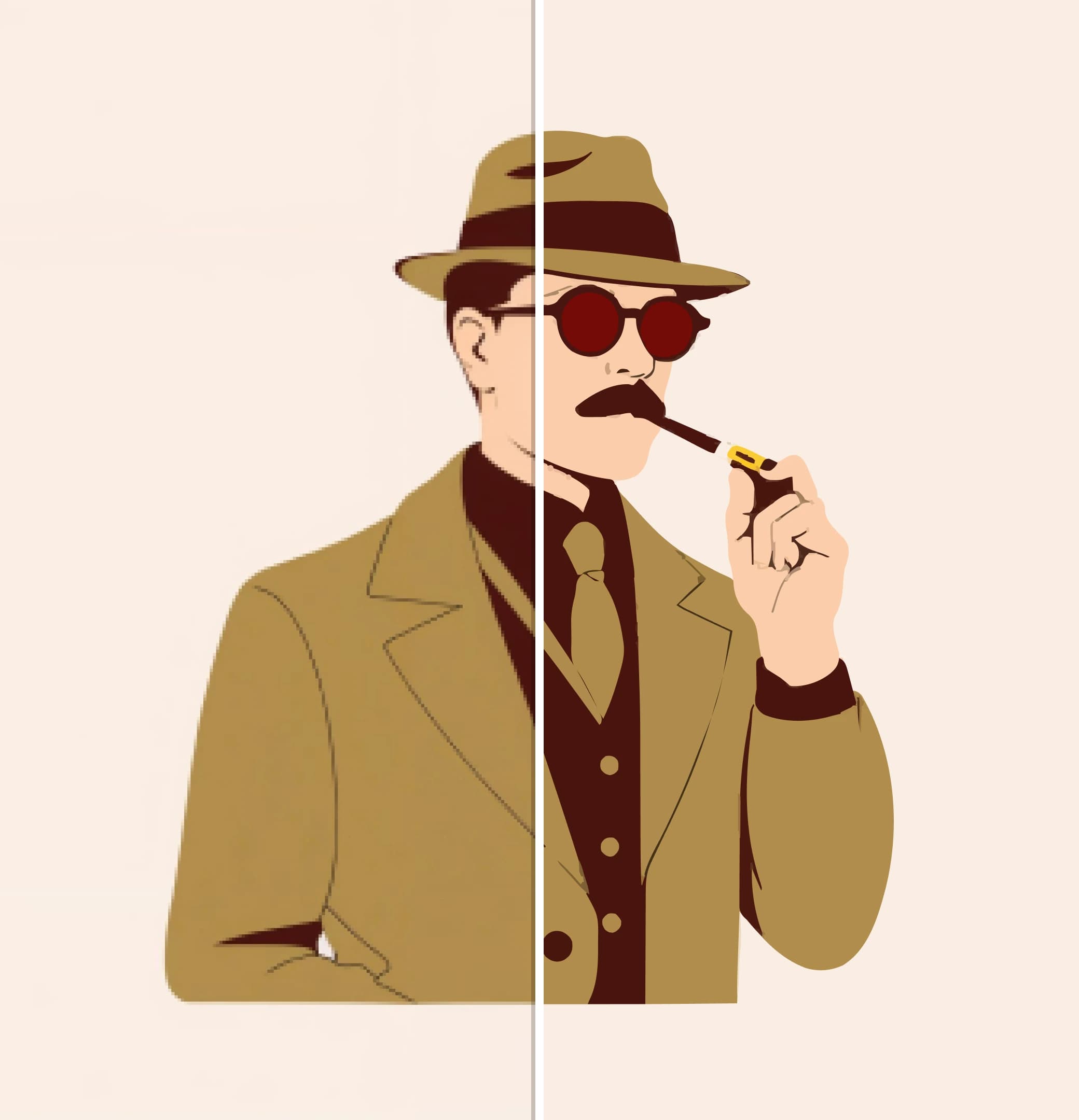
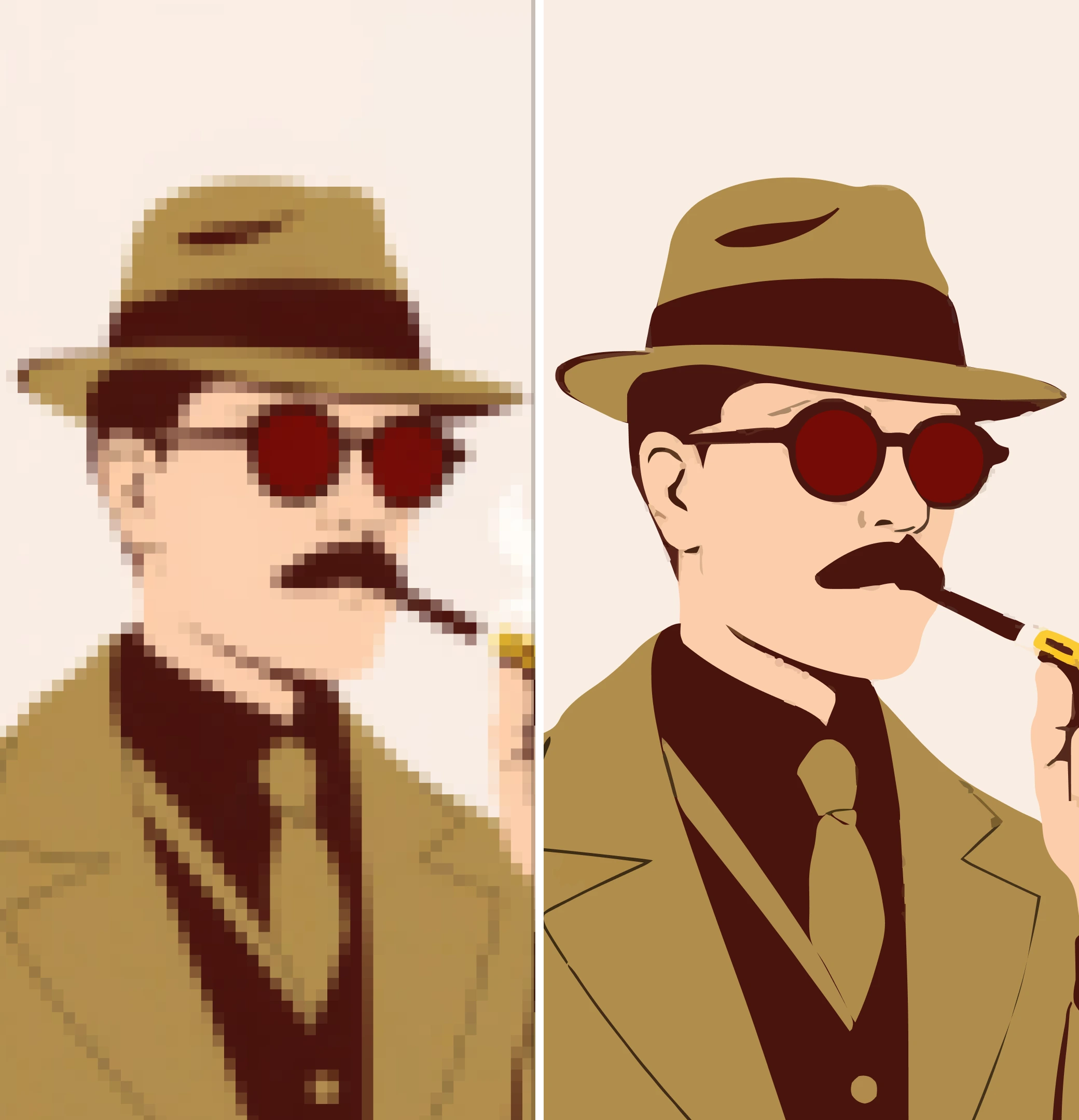
Use the compare control to check the vector against your original, then download an SVG that scales to any size without going soft.
Sharp at every size, not just the one you exported
A raster file is fixed to the pixels it shipped with. A vector redraws itself at whatever size you place it — the same file works on a favicon and a billboard.
More free tools
Everything here is free to use and needs no account.
- Remove BackgroundCut the background out and keep a transparent PNG.
- SVG EditorRecolour paths, erase parts and reshape artwork in-browser.
- Palette GeneratorBuild a colour scheme and browse trending combinations.
- Contrast CheckerTest any pair of colours against WCAG AA and AAA.
- Palette VisualizerSee a palette applied to real design mockups.
- Image ConverterBatch convert PNG, JPG, WebP, HEIC and camera raw files.
Questions about converting to SVG
What the converter does, what it handles well, and where it struggles.
Which file types can I convert to SVG?
- PNG, JPG, WebP, GIF, BMP, AVIF, HEIC and HEIF, plus Nikon NEF, Canon CR2 and Sony ARW camera RAW files. TIFF works in Safari only — other browsers cannot decode it, and the page tells you so rather than failing quietly. Everything is read and, where needed, converted in your browser before upload; the vectorizing service itself only ever receives a PNG, JPG or WebP under 4 MB. If you upload an SVG it is already a vector, so there is nothing to trace — use the SVG Editor instead to change it.
Does my image get uploaded to a server?
- Yes. The image is read in your browser first (a HEIC or RAW is decoded there, a large picture is shrunk there), then uploaded to our server and passed to a third-party vectorizing service (Recraft, via fal.ai) for the trace. The upload is set to expire on their side after ten minutes; the traced result is held by that service for a period we do not control. We do not keep a copy of either. If the service declines the image — for example the shorter side is 256 px or less — or is unavailable, you are told why and nothing else is tried; there is no in-browser fallback. Do not use this tool for images you are not willing to send to a third party.
What happens to transparent backgrounds?
- Transparent areas are sent to the vectorizing service as they are, and how they come back depends on the artwork — we do not fill them in first. If you want a background gone from an opaque picture, run it through Remove Background first and vectorize the cut-out.
Why does my traced SVG look faint or empty?
- Thin line art on a transparent background gives the vectorizer very little to work with, and a trace that comes back with no shapes at all is reported as a failure rather than shown empty. Flattening the artwork onto solid white before uploading usually fixes it.
Need the artwork itself, not just the format?
Generate editable vector illustrations from a prompt, then export SVG or PNG.