

You know the moment.
The landing page is basically done. The layout holds up at every breakpoint. The copy is written and it actually says something. You scroll back to the top to admire it, and there they are — three empty illustration slots, staring back at you.
That is where the momentum dies.
Because now you have to leave. Go brief an illustrator and wait a week. Or open six stock sites in six tabs and hunt for three images that look like they came from the same universe. Or — and let's be honest, this is the one that usually wins — drop in a grey placeholder box, tell yourself you'll fix it before launch, and ship it three months later still grey.
Today we're launching the Brushless MCP server, and it exists for exactly that moment. The agent that just built your page can now fill those slots itself — on brand, in your project's style, without you leaving the editor.
The gap between "layout done" and "page done"

That gap is small on paper and enormous in practice.
The work you were doing was in one place — your editor, your components, your design tokens. The work you now have to do is somewhere else entirely, in a different tool, with a different mental model, and none of it knows anything about your brand.
So one of three things happens:
- You outsource it and wait. Good result, wrong timeline for a page you wanted live this week.
- You go find something. Faster, but the three images you settle on were drawn by three different people. Your clean layout now has visuals that argue with each other.
- You ship the placeholder. The page goes out feeling unfinished, and everyone on the team quietly knows which part is unfinished.
None of these are failures of taste. They are failures of proximity — the artwork lives too far away from where the page is being built.
What the Brushless MCP server is
It is Brushless, exposed as tools your AI coding agent can call directly.

Setup is one URL. Brushless is an MCP server over HTTP with OAuth and Dynamic Client Registration, which is a long way of saying: you paste the server URL into your agent, it opens a sign-in prompt the first time it connects, you approve it, and you're done.
- No API key to create, copy, paste, rotate, or accidentally commit.
- Nothing to install. The agent learns how to use Brushless from the server itself — the guidance for writing good prompts, choosing ratios, and handling colours arrives with the connection.
- You ask in plain language. "Fill the three feature slots on the pricing page" is a reasonable thing to type. The agent already knows what the page says, because it is the thing that built the page.
Because it already has your codebase in context, it can read your brand tokens straight out of your CSS variables or Tailwind theme and send those colours along with the request. You are not re-typing hex codes into a separate tool.
The part people underestimate: the style is picked once, by a person
This is the piece we care most about, and it is the least flashy sentence in this post.

An agent that picks its own illustration style will pick a different one next Tuesday. Not maliciously — it just has no memory of the choice, so it re-decides every time. Six illustrations later your page is a collage, and every single image is individually fine.
So the agent doesn't get to choose.
The first time your project needs an illustration, the agent opens a picker in your browser and stops. You look at the styles previewed on a sample site, and you choose one. That choice gets written to .brushless/config.json in your repo, next to your code:
{
  "version": 1,
  "style_id": "Legato",
  "palette": [{ "hex": "#7fe8cc", "pct": 70 }, { "hex": "#c77dff", "pct": 30 }],
  "assets_dir": "public/images"
}
From then on, every illustration for that project follows it. Not the agent's favourite, not whatever it inferred from the last image it saw — the one a human picked, on the record, in a file you can read, review, and change.
That has a few consequences worth spelling out:
- Consistency is the default, not the reward for being careful. The tenth illustration matches the first because they are reading the same file.
- It survives context. New session, new machine, a teammate on a different agent — the style is in the repo, so it comes along.
- It's yours to change. Ask for a different style and the picker opens again and overwrites the file. You are never locked into a choice you made once in a hurry.
- It's reviewable. The style your project uses is a line in a config file that shows up in a diff, like everything else you care about.
Consistency was always the hard part of illustration work. Generating one good image has been easy for a while now. Generating twelve that look like they belong to the same product is the actual job.
If that is the part you've been fighting, the Brushless MCP setup page has the server URL and the connection steps for your agent. Connecting takes about a minute, and the first thing it does is ask you to pick the style.
It's not tied to one agent
Brushless is a standard MCP server over HTTP, so any MCP-capable agent can connect with the same URL.
We've done the most driving in Claude Code — that is where we've used it day to day and where we're most confident about how it behaves. Cursor, Codex, and other MCP hosts take the same server URL, and the setup page has the exact config block and the exact file it belongs in for each one. Those paths are documented rather than battle-tested to the same depth, so if your host does something surprising, we'd genuinely like to hear about it.
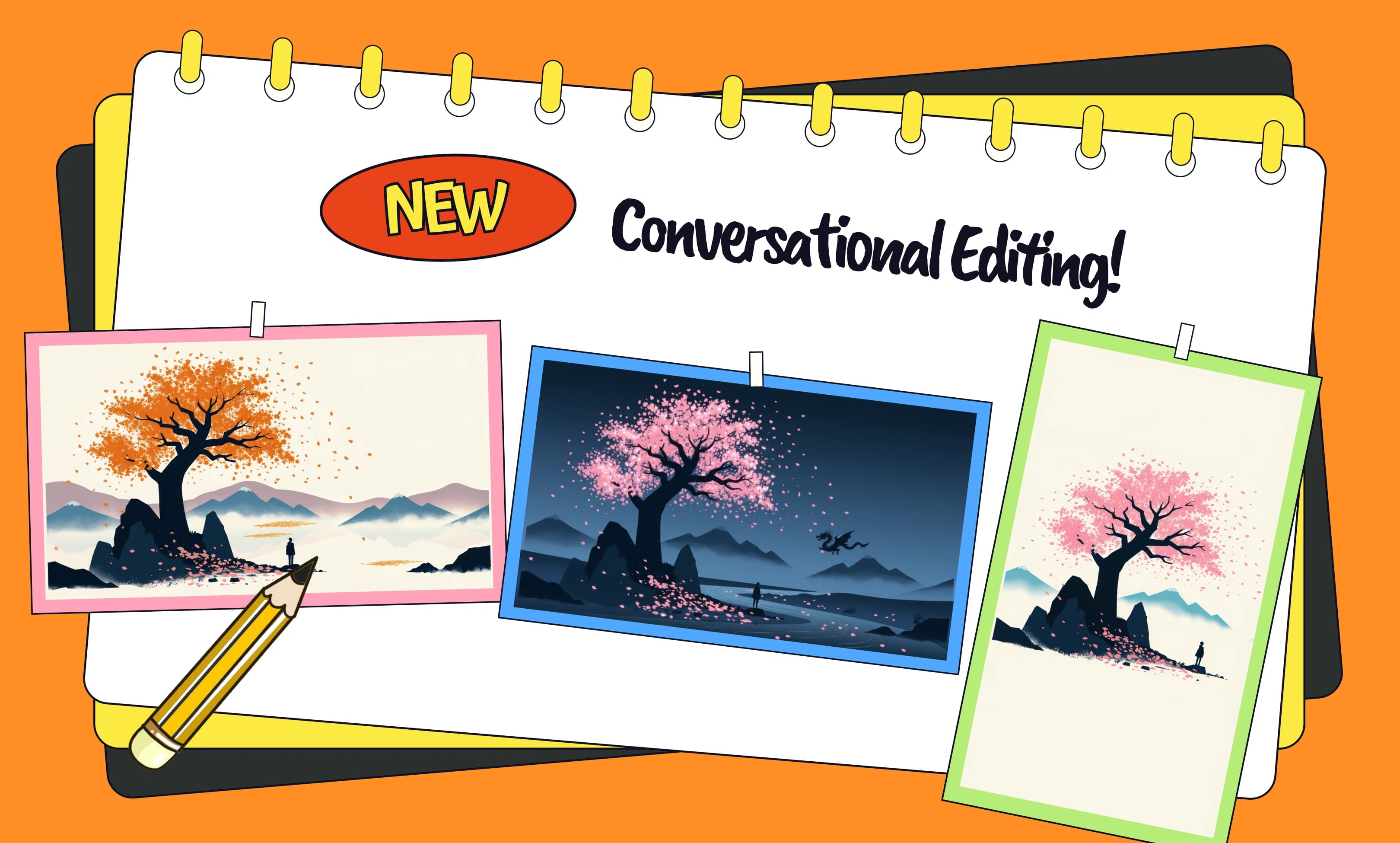
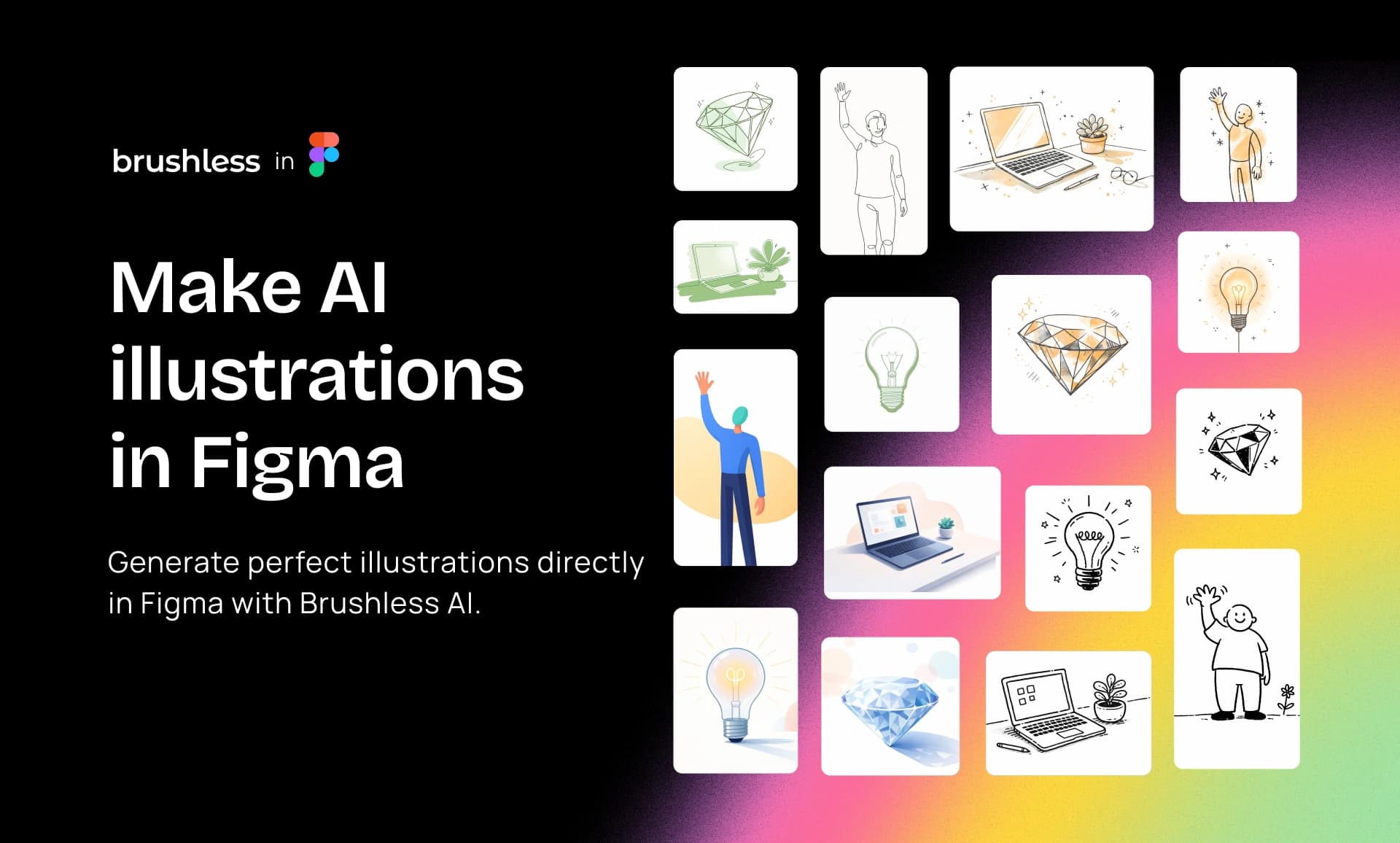
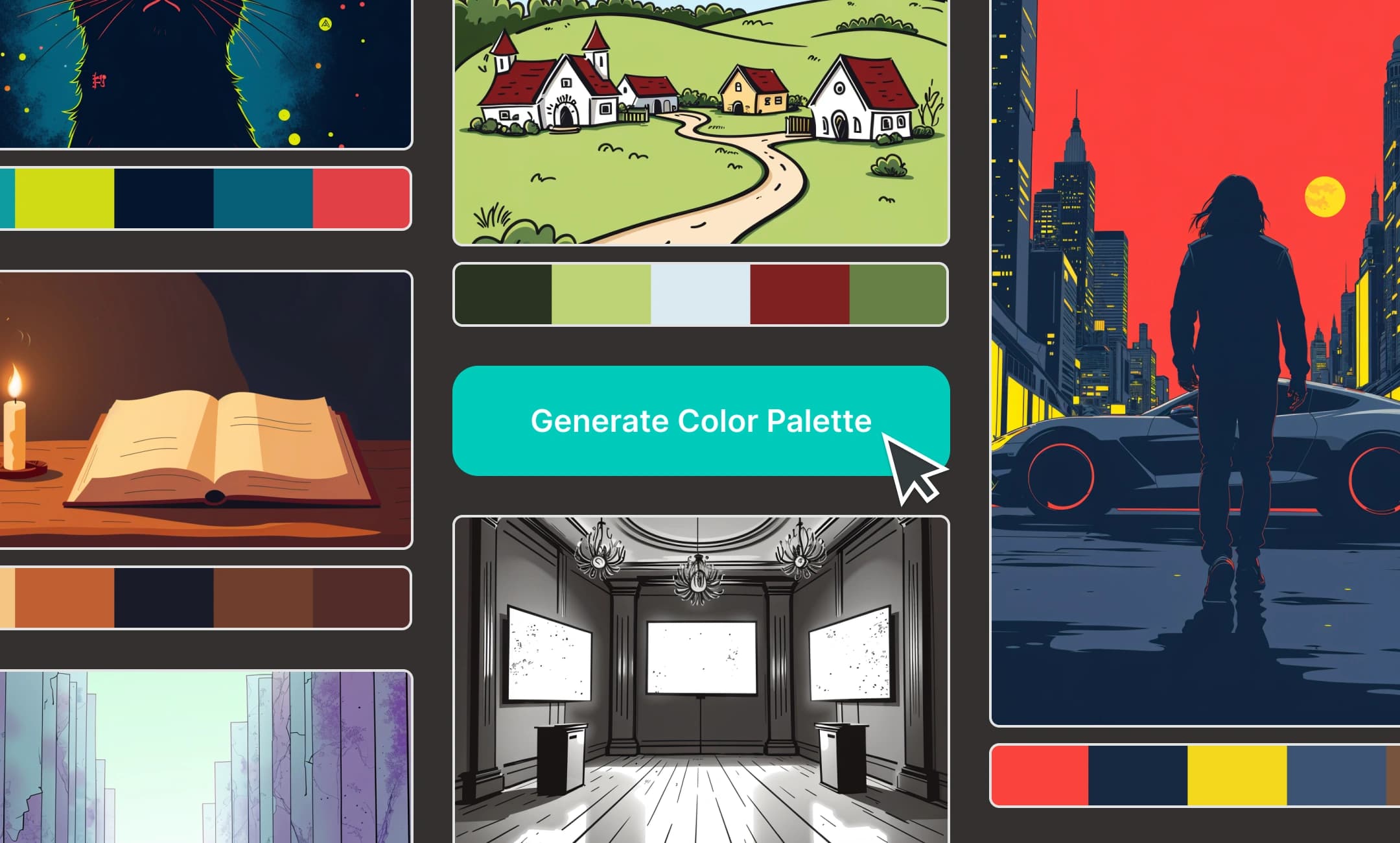
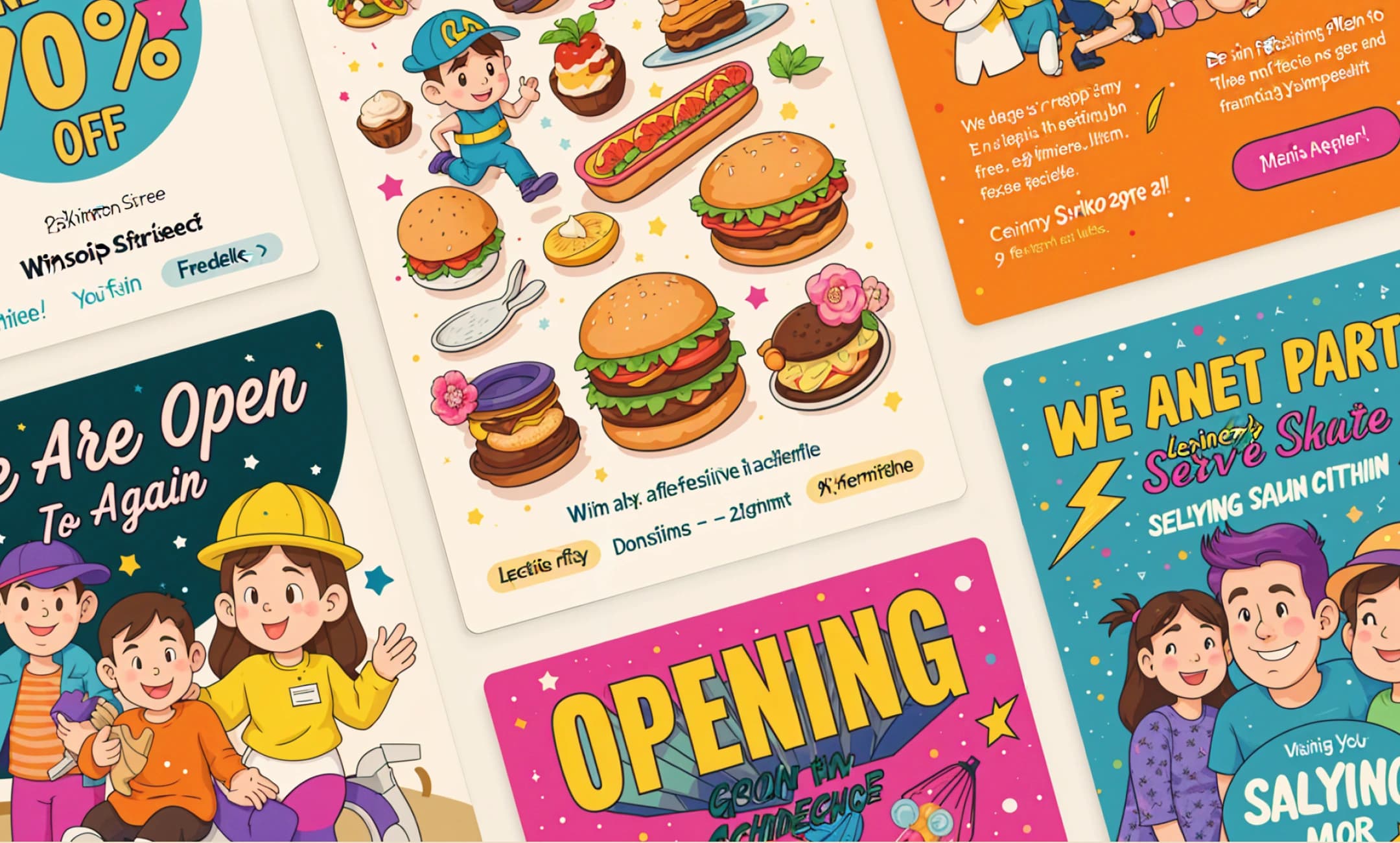
One honest note while we're here: every illustration in this post was generated through the MCP server itself, in the style this project picked. So was the social card on the /mcp page. It seemed like the least we could do before asking you to try it.
And to be clear about what this isn't — it doesn't replace working with an illustrator. If you're building a brand identity, hire one. This is for the empty slot at 6pm on a page that ships Thursday, which is a different problem, and one that used to get solved with a grey box.
Try it
Grab the server URL from the setup page, where you'll also find the exact config block for Claude Code, Cursor, Codex and the other hosts, and the file it belongs in for each. It takes about a minute, there's no key to manage, and the first thing it'll do is ask you to pick a style.
Then go back to that page with the empty slots and just ask.